
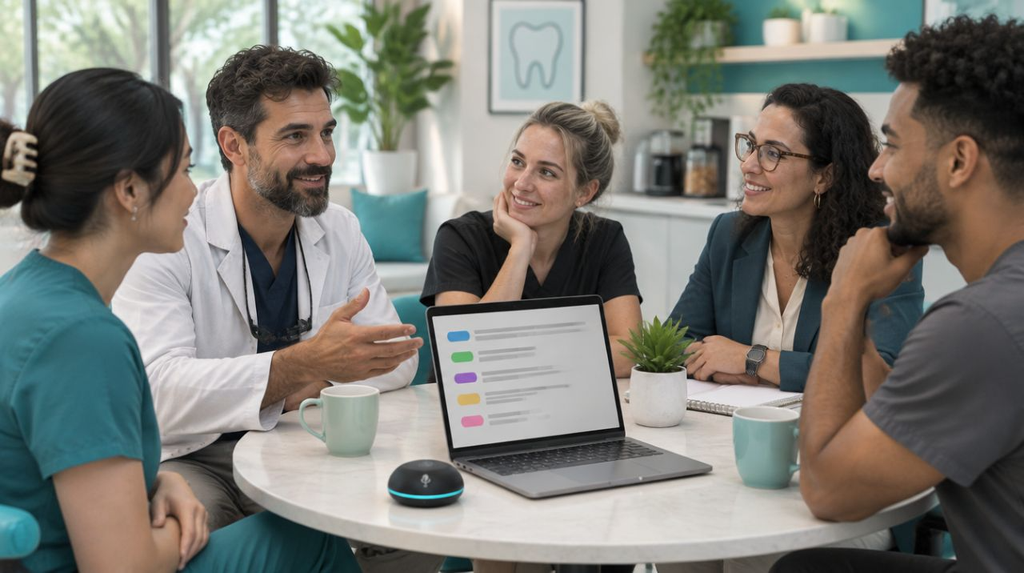
A clinic manager finishes a short team meeting. Five people talked about schedules, a late supplier and one unhappy patient. The AI note-taker sends a clean summary a minute later.
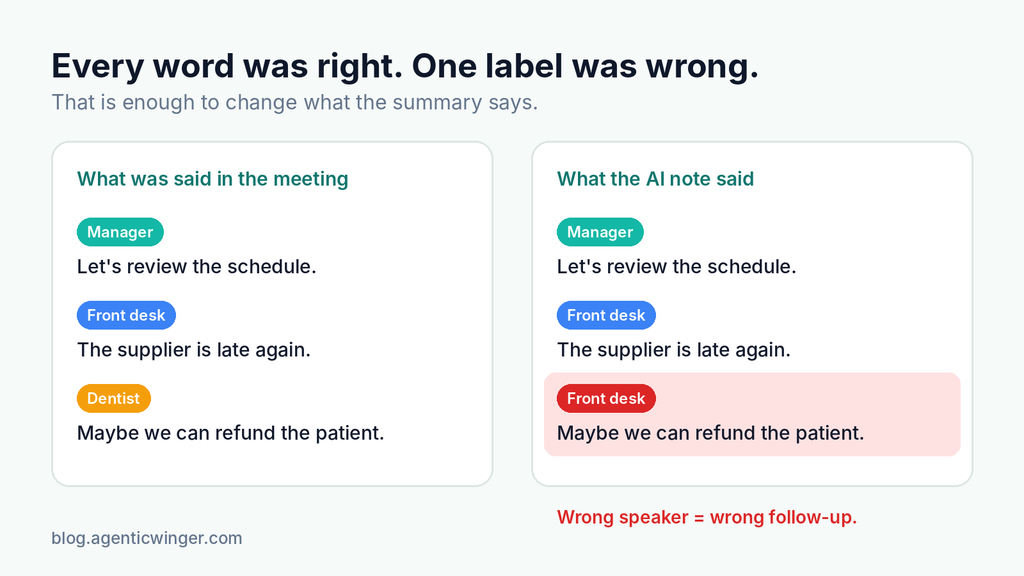
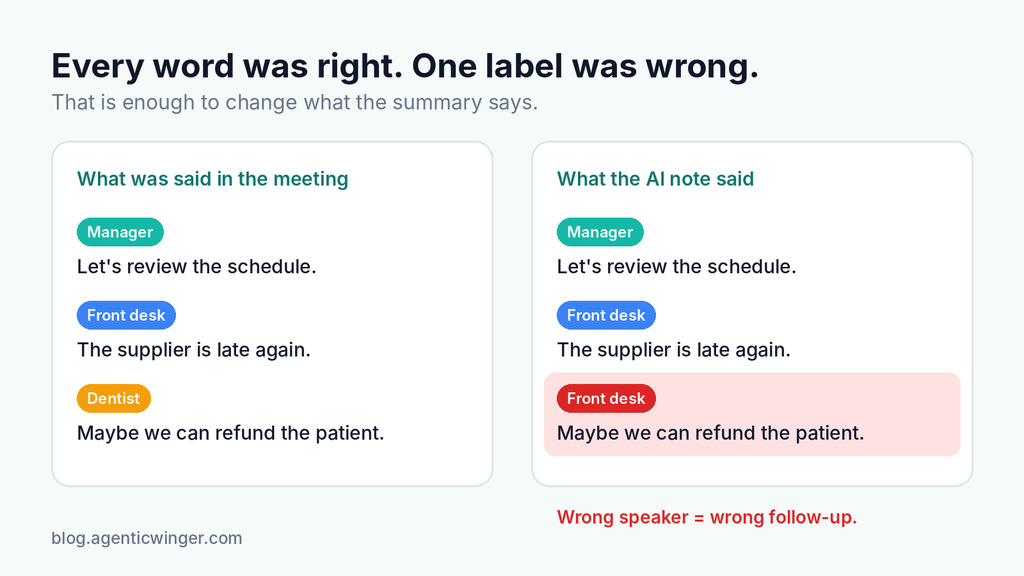
Then she reads it. The summary says the front desk promised the patient a refund. But it was the dentist who said that, and only “maybe.” Every word was transcribed correctly. The tool just gave the words to the wrong person.
This is a quiet problem in many AI tools for small businesses. Call notes, meeting summaries and voice agents all depend on one thing: knowing who said what. A new public benchmark now measures exactly this, and the results are worth a look.
What “Speaker Diarization” Means, in Plain English
Speaker diarization is the part of a speech-to-text tool that labels each word with a speaker, like “Speaker 1” or “Speaker 2.”
It does not know names. It does not know that Speaker 1 is your receptionist and Speaker 2 is a customer. Your app or workflow has to match those labels to real people in a separate step.
When diarization is good, your notes are easy to trust. When it is weak, three things go wrong:
- Summaries blame or credit the wrong person.
- Records for compliance or disputes become unreliable.
- Automations act on the wrong request, like booking a job the customer never asked for.
The New Diarization Index: How the Test Worked
Artificial Analysis, a company that benchmarks AI models, launched a Diarization Index. It ranks speech-to-text services by one score: Word Diarization Error Rate, or WDER.
WDER is simple. It counts the words given to the wrong speaker, plus the words that were missed, and divides by all the words. Lower is better.
The test used:
- 97 English conversations, about 6.8 hours of audio in total
- Between 2 and 8 speakers per conversation
- Mostly private real and synthetic speech, plus some public meeting recordings taken on one shared microphone
- Equal weight for three group sizes: 2 speakers, 3 to 4 speakers, and 5 to 8 speakers
That last point matters. A model cannot score well just by doing great on easy two-person calls.
The Results: An Open Model Came First
Nvidia’s Nemotron 3.5 Transcribe made the fewest speaker mistakes of every service tested, with a 3.3% error rate. It is an open-weights model, which means you can download it and run it yourself.
| Model | Speaker error rate (WDER, lower is better) | Speed (times faster than real time) | Price per 1,000 minutes |
|---|---|---|---|
| Nvidia Nemotron 3.5 Transcribe | 3.3% | 63.5x | Open weights, no listed price |
| Voxtral Small Transcribe 3 | 7.5% | 60.1x | $4.00 |
| MAI-Transcribe-2 | 8.8% | 313.9x | $1.67 |
The gap grows as more people join the conversation. Nemotron’s error rate was 1.7% on two-person calls and 5.6% with five to eight speakers. In that largest group, every other service tested went above 10%.
The other two still have their place. Voxtral had the lowest error rate among the paid services. MAI-Transcribe-2 was the fastest and the cheapest of the three.
What This Means for Your Calls, Meetings and Voice Agents
The right choice depends on how many people are usually talking.
- Two-person calls (a customer and your AI receptionist, or a sales call): most good tools do fine here. Speed and price may matter more than a small accuracy gap.
- Team meetings and group calls: this is where speaker mistakes pile up. If your summaries drive follow-up tasks, accuracy should come first.
- Voice agents with more than one caller or staff member on the line: a wrong speaker label can trigger the wrong action. Test this case on purpose.
Two more lessons stood out.
A higher price does not mean better accuracy. The benchmark found that price and error rate did not line up closely. Some of the more expensive services ranked lower.
Open weights are not free. You can host Nemotron yourself, but then you pay for GPUs, scaling and keeping it running. For a small business, a hosted service is often simpler. Also note that the published Nemotron score came from one hosting provider, DeepInfra, so other setups may give different results.
Before You Switch Tools, Test on Your Own Calls
A benchmark is a good starting point, not a final answer. Keep these limits in mind:
- The test was English only.
- Most of the audio is private, so others cannot fully repeat the test.
- Close scores have error ranges, so a small gap may not be a real difference.
- The speed score does not cover live streaming, which is what most voice agents use.
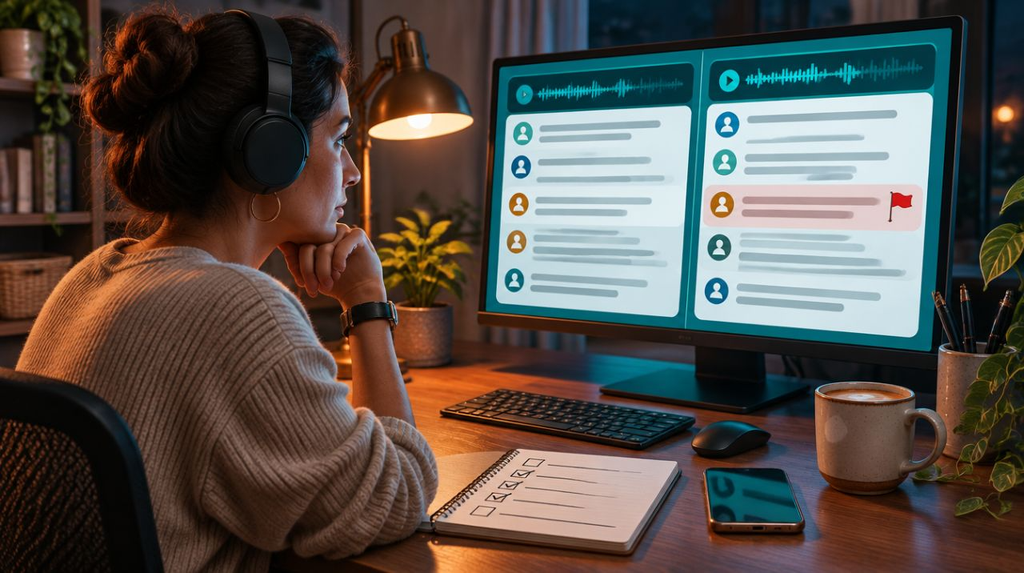
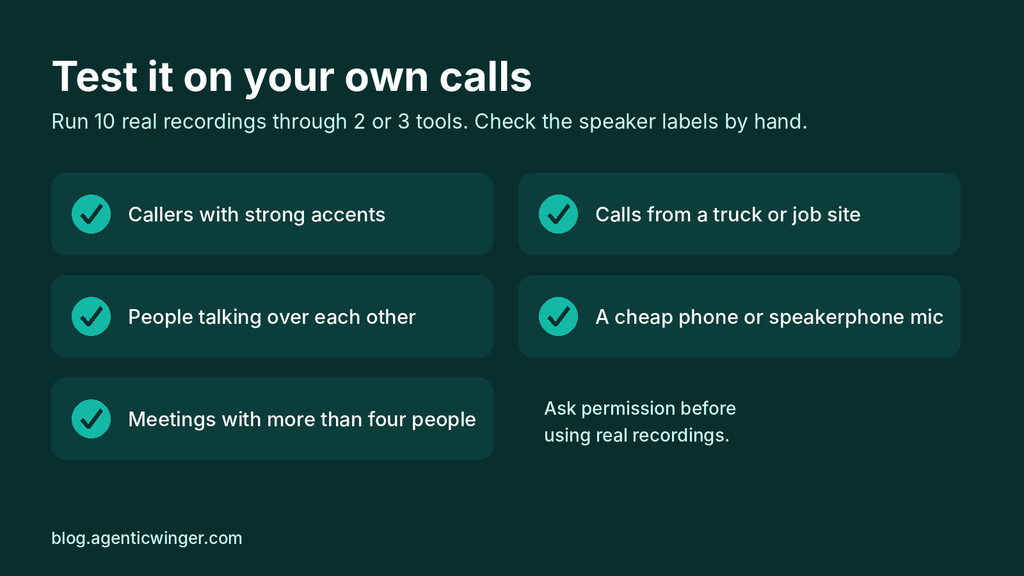
A simple way to test is to take 10 real recordings from your business, with permission from the people in them. Run them through two or three tools and check the speaker labels by hand. Include the hard ones:
- Callers with strong accents
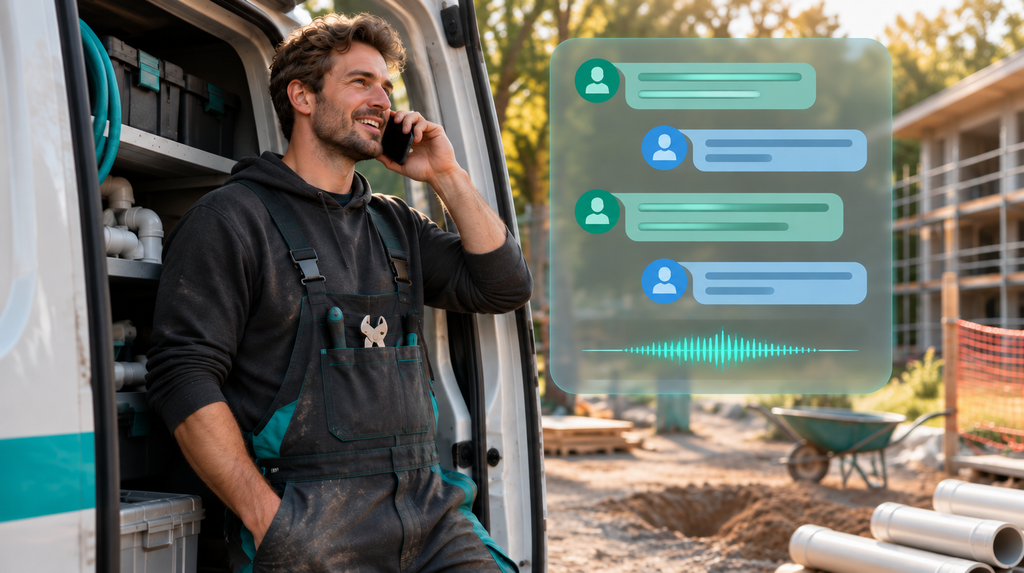
- Calls from a truck, a job site or a busy shop floor
- People talking over each other
- A cheap phone or speakerphone microphone
- Meetings with more than four people
An hour of checking now can save you weeks of fixing wrong notes later.
Start Small and Check the Notes

AI call notes and voice agents can save small teams hours every week. But they are only useful when you can trust them, and that starts with knowing who said what.
You do not need the “best” model on a leaderboard. You need the one that works on your calls, with your customers and your background noise. Start with one type of call, check the results by hand for a week, and grow from there.
I build small automations for trades, salons, clinics and other service businesses, including call capture and meeting notes. If you are unsure which tool fits your calls, feel free to reach out through the contact page. I am happy to answer questions.