
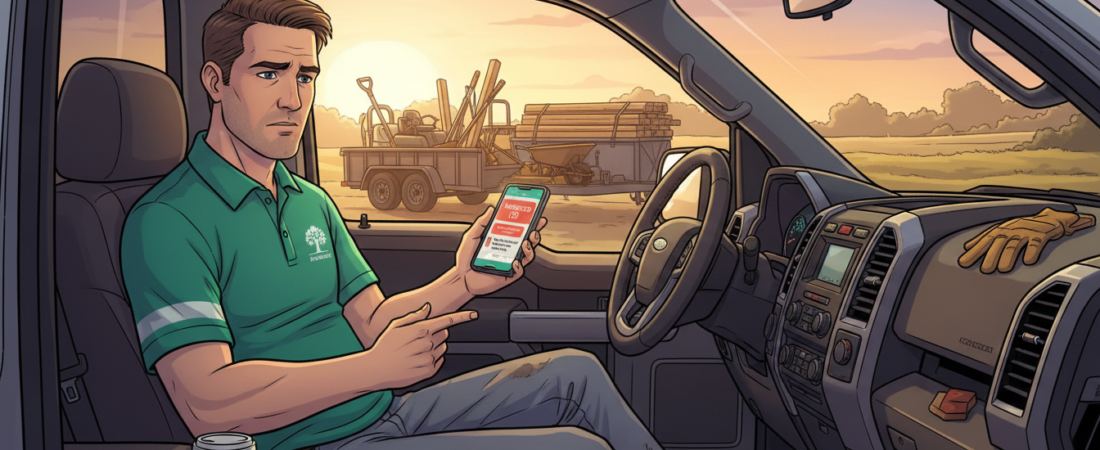
If you run a small landscaping crew, you probably know this moment. It is 8:45 at night. Your crew went home hours ago. You are sitting in your truck with six missed calls, a text from a homeowner asking if you are “still interested” in a job you quoted two weeks ago, and no clear memory of what you priced that retaining wall at in April.
This is what the job looks like for many small landscaping owners. You work outside all day and run the crew. Then, when the sun goes down, the second job starts: quoting, invoicing, texting people back, and trying to remember who paid and who did not. It takes your evenings, and during the spring rush it takes your weekends too.
Many owners decide the answer is to buy landscaping business management software: one big system that runs everything.
For some businesses, that is the right move. But for a crew of 1 to 20 people, it is often more than you need. In this article, I will explain what a big system does well, where it falls short for small crews, and how a few simple automations can solve the problems that actually cost you time and money.
What Is Landscaping Business Management Software?
Landscaping business management software is an all-in-one system that tries to run your whole office from one screen. It usually includes:
- Job scheduling and crew dispatch
- Estimating and quoting tools
- Invoicing and payment processing
- A customer database with addresses, notes and job history
- Route planning, so crews do not waste time and fuel
That sounds great. But many of these systems are designed for larger companies, with several crews and someone in the office who manages the system every day. To get value from them, you need time to set them up, train your team, and keep them up to date.
When a Big All-in-One System Makes Sense
A full system is not a bad idea. It is built for a certain stage of business.
Once you have office staff, or at least one person who handles scheduling and dispatch, a central system starts to pay for itself. Jobs, client history, quotes, invoices and notes all live in one place. Nobody has to search through group chats to find what a client asked for last season. It becomes a shared memory for a team that is not in the same place.
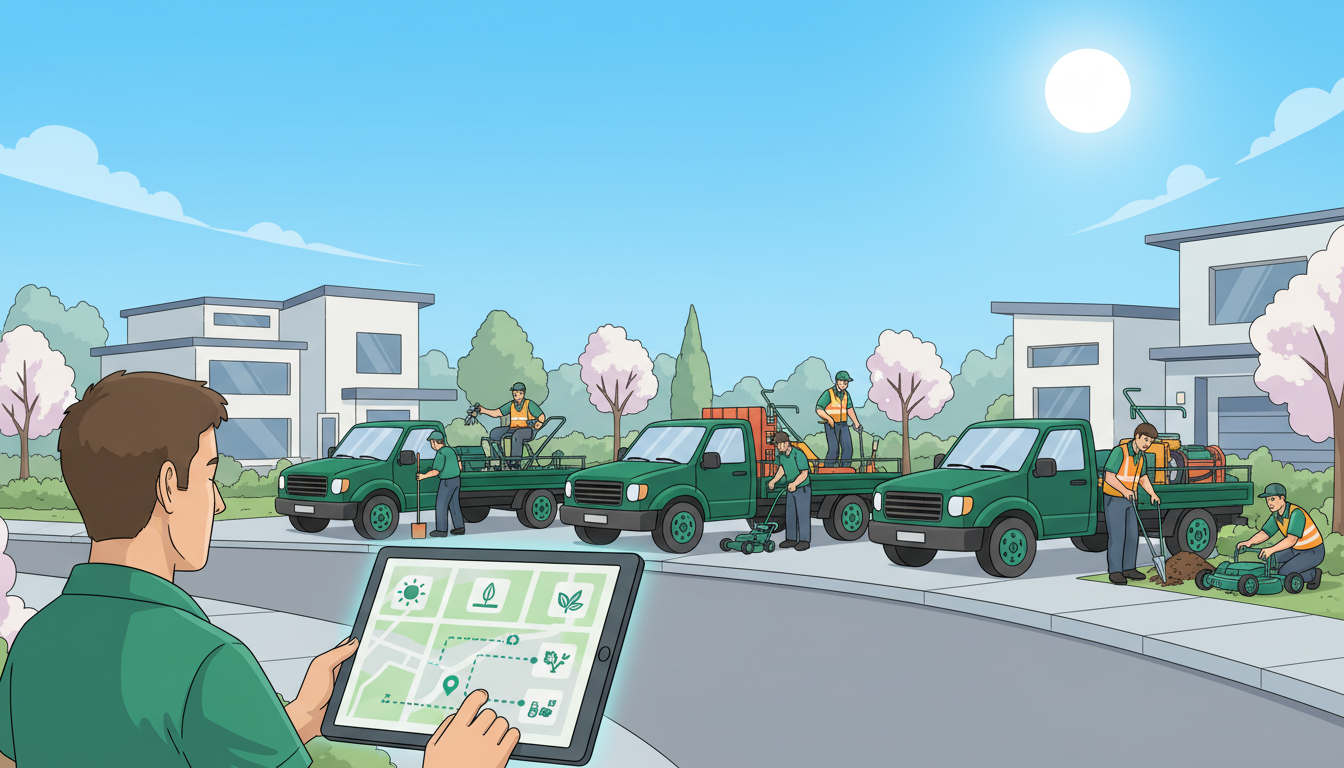
These systems are strongest when you send out many crews at once during peak season. Imagine ten crews leaving on a Monday in May, each with different routes, equipment and jobs. Coordinating that by text message would be very hard. Route planning and dispatch tools can save real time and fuel at that size.
They also give deeper reports on job costs, crew profitability and cash flow than a spreadsheet can. When your business is large, mistakes in coordination become expensive, and good software earns its cost.
So a big system has its place. The question is whether that place is your business right now.
Where a Big System Falls Short for a 1–20 Person Crew
If your business is you, maybe one or two helpers, and a truck full of mulch, many of those features will sit unused.
Cost. You pay every month for the whole system, even if you only use a small part of it. This is common in every industry. One study found that a large share of software licenses are unused or underused.
Learning time. This cost does not show up on the invoice. It shows up as lost hours. Many owners buy a system, use it to schedule jobs, and stop there. The follow-up and automation features never get set up, because few owners have three free hours in April to learn something new.
Changing how you work. A big system expects you to work its way. You move your client list into it, learn its screens, and teach your crew to use it. For a small crew that already has a working routine, that change can create more stress than it removes.
The real problems for most small crews are not about scheduling. They are about the small tasks that fall through the cracks: a lead that never got a reply, a quote that went quiet, an invoice nobody chased.
What “Simple Automation” Means
When I say “automation,” many owners picture another app, another login, and another thing to forget to open.
That is not what I mean.
Simple automation does not replace anything you already use. Your phone still rings. Your email works the same way. Your calendar and your spreadsheet stay. What changes is what happens between those tools, in the background, without you touching anything.
Think of it like plumbing. You do not see the pipes. You only notice that water comes out of the tap. Good automation for a landscaping business works the same way. Someone fills out your contact form at 2am? A reply goes out right away. A quote has had no answer for five days? A friendly follow-up is sent on its own.
It is a change from “learn a system” to “set a rule.” A new enquiry comes in, so a reply is sent. A job is marked done, so a review request goes out the next morning. An invoice is unpaid on day 10, so a reminder is sent.
And there is no new screen to check every morning. It simply runs in the background.

The 6 Automations Every Small Landscaping Crew Needs
You do not need twenty automations or a complicated system. For a crew your size, these six cover most of the work.
1. Instant reply to new enquiries
When someone asks about mulch beds or a cleanup, they are often contacting two or three companies at the same time. Research on response time shows that replying within minutes greatly increases your chance of winning the lead. You cannot stop working every time your phone buzzes, but an automatic text such as “Thanks for your message, I will call you this evening” keeps the lead warm until you can.
2. Automatic quote follow-ups
Quotes often get sent and then forgotten. A short follow-up, for example a text after three days and another after seven, closes that gap without you having to remember. Many jobs are lost not because the price was wrong, but because nobody followed up.
3. Appointment and seasonal reminders
Clients forget because they are busy. A reminder two days before a visit reduces no-shows and surprised clients. The same works for seasonal services such as spring startups, aeration and fall cleanups. A reminder in February can help fill your schedule before the spring rush starts.
4. Review requests after each job
Asking for a review right after the job, while the lawn still looks great, works much better than hoping a client remembers weeks later. An automatic request the morning after each finished job means you never forget to ask. Some landscaping companies have grown their Google reviews significantly this way.
5. Invoice payment reminders
Few owners enjoy chasing payments. A polite reminder on day 10, and another on day 20, does the uncomfortable part for you.
6. A weekly summary email
Every Monday, one short email arrives with your new leads, completed jobs and unpaid invoices. You can read it in five minutes and know exactly where your business stands, without logging into anything.
These six automations run quietly on top of what you already use: your phone, email, Google Calendar, a spreadsheet, or any software you already have. This is the kind of work I do at Agentic Winger, based in the Greater Toronto Area. No new login to remember, just the few automations that save small crews the most time.
Big System vs. Simple Automation: Side by Side
| Features | Big All-in-One System | Simple Automation |
|---|---|---|
| What it does | Runs your whole office in one place | Handles a few specific tasks automatically |
| Setup time | Days to several weeks | A few days, because it adds to tools you already have |
| Learning curve | New screens, new logins, training needed | Very little. Phone and email work the same |
| Flexibility | You follow the system’s way of working | It follows your way of working; add or remove automations any time |
| Replaces your tools | Mostly yes | No, it works alongside what you already use |
| Best for | Several crews and office staff | 1–20 person crews and owner-operators |
Neither option is simply “better.” They solve different problems at different sizes.
Automation is not a smaller version of a big system. It is a different kind of tool. A big system wants to become your office. Automation handles a few annoying tasks inside the setup you already have. If you already pay for software, automation can also work alongside it and fill the gaps it does not cover.
How to Decide What Your Crew Needs
Start with three honest questions:
- How many people are on your crew today, not where you hope to be in three years?
- Does anyone, even part-time, handle admin, or is it only you after dinner?
- If you already pay for software, do you actually use its follow-up features, or only the calendar?
The third question matters more than most owners expect. If you pay every month for software you only use as a calendar, the answer is probably not more software. It is turning on what you already have, or adding something simpler on top.
Next, do not try to fix everything at once. Choose your two biggest problems. Is it missed calls while you are on a job? Invoices unpaid for 30 days? Quotes that never get an answer? Choose two at most. Trying to automate your whole business in one weekend is how these projects stall.
A useful rule, also shared in this small business automation guide: fix the process that takes the most time and causes the most mistakes first. For most landscaping crews, that is replying to new leads or following up on quotes.
Here is a simple plan for most 1–20 person crews:
- Keep what already works, such as your calendar or spreadsheet.
- Add automation for your two biggest problems, usually quote follow-ups and missed calls.
- Watch the results for one season.
- Consider a big all-in-one system only when you hire office staff or run many crews at once.
Start small, fix the problem that costs you the most money, and come back to the bigger decision only when you have truly outgrown your current setup.
The Bottom Line: Match the Tool to Your Crew’s Stage
A big landscaping business management system is not bad. For larger companies with office staff, it does real work. But if you run a crew of 1 to 20 people and still send quotes from your truck at night, a big system may not solve your real problem. It may only add another login you do not have time to learn.
Your real problem is usually smaller: a lead that never got a reply, a quote that went quiet, an invoice nobody chased, or a review nobody asked for. These are a few specific gaps, and you can close them without replacing the tools you already use.
So do not try to automate everything this week. Pick the one task that costs you the most time or worry right now, and start there.
If you would like help deciding which task to automate first, you can reach out to me at Agentic Winger. It starts with a short, no-pressure conversation.